R-03 Foundry & Azure
Azure Functions Flex Consumption: VNet, Bicep and the end of Consumption
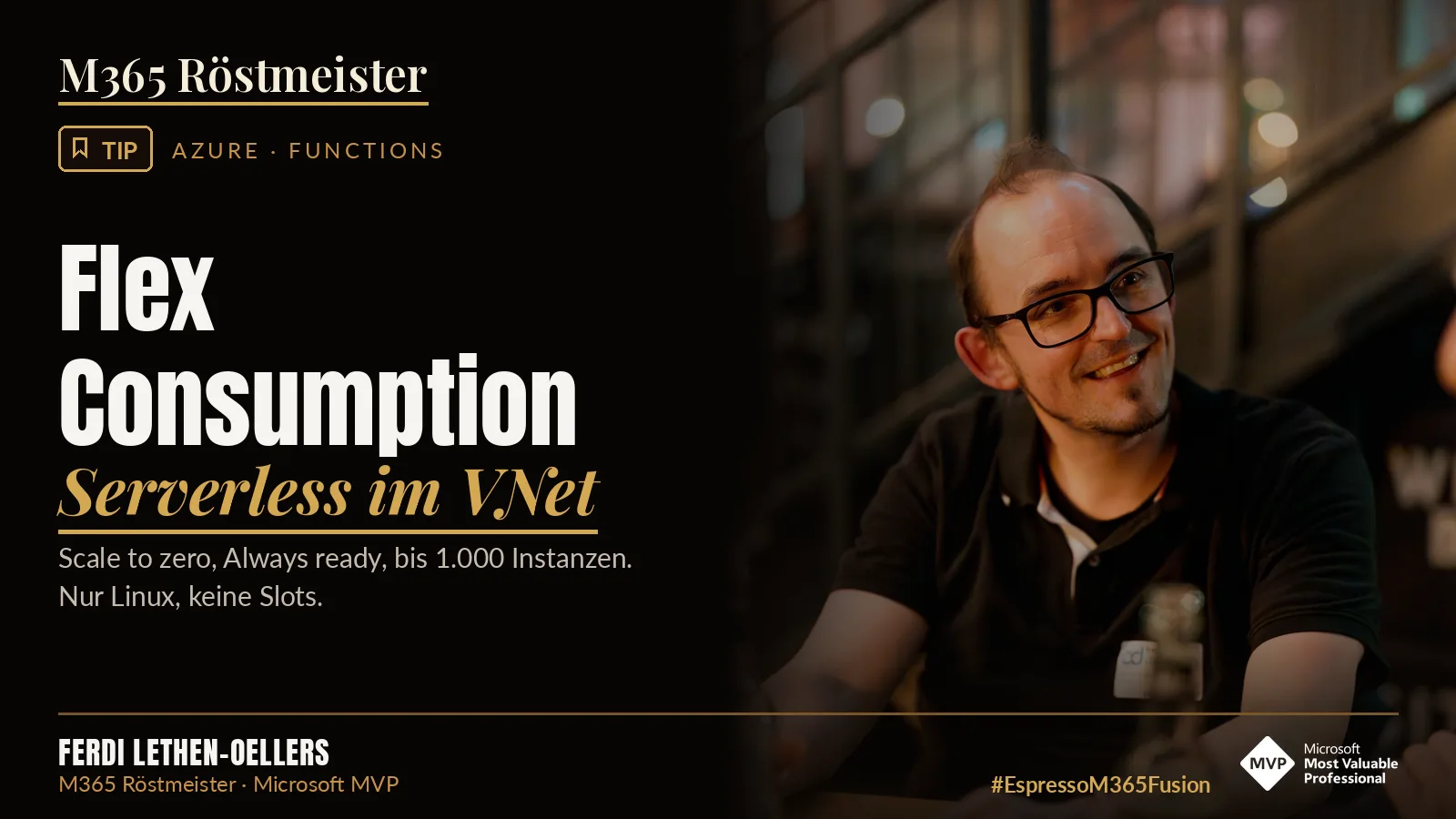
Sounds familiar? A customer wants “just a quick” function that pulls data from an internal system at night and triggers something in SharePoint or Teams. Then the security department says: “The backend sits in a VNet. Nothing public gets in there.”
With the classic Consumption plan, that was often the end of the conversation. Virtual network integration? Not supported. So Premium plan, so base costs, so a discussion with the budget owner.
This is exactly the gap that Flex Consumption closes. And there is a second reason why you should look at it now: the old plan is being retired. Here is what Flex Consumption is, what changes, how you set it up with Bicep and what you should watch out for as an admin.
What is Flex Consumption?
Flex Consumption is a Linux-based hosting plan for Azure Functions. It builds on the pay-per-use model of the Consumption plan and adds private networking, selectable instance sizes and fast, large scale-out. Microsoft calls it the recommended serverless plan for Azure Functions.
In short: it stays serverless, but you get the knobs and dials that you only had in the Premium plan before.
Why you should look at it now
Microsoft now officially lists the classic Consumption plan as legacy. Hosting on Linux in the Consumption plan ends on 30 September 2028, and until then there are no new features or language versions. Windows apps are currently not affected.
Function apps with the v3 runtime on Linux in the Consumption plan have stopped running since 30 September 2026. If you still have such an app quietly doing its thing somewhere: it is high time.
Flex Consumption vs. Consumption
| Feature | Flex Consumption | Consumption (legacy) |
|---|---|---|
| Scale to zero | Yes | Yes |
| VNet integration (outbound) | Yes | No |
| Private endpoints (inbound) | Yes | No |
| Always ready instances | Optional | None |
| Billing | Execution time + always ready | Execution time only |
| Max. scale-out | 1,000 per function group (mind the quota) | 200 (Windows), 100 (Linux) |
| Max. execution time | No fixed limit (default 30 min.) | 10 minutes |
| Apps per plan | 1 | 100 |
| Deployment slots | No | Yes |
| Operating system | Linux only | Windows (Linux is being retired) |
Two rows matter most. Linux only means: if your existing app runs on Windows, this is not a click-and-done move. And the execution time: in the Consumption plan, everything stops after 10 minutes at the latest. For longer batch jobs, Flex Consumption is much more relaxed. One limit stays in every plan though: HTTP-triggered functions have to respond within 230 seconds.
The four things you need to understand
1. VNet integration
Your function can now access resources that are locked away in a virtual network: storage, Key Vault, databases. For this, the resource provider Microsoft.App must be registered in the subscription, and the subnet is delegated to Microsoft.App/environments. That is the pitfall when the deployment fails for the first time. On top, private endpoints for inbound traffic are possible. This way you can also lock the function down from the outside.
2. Instance sizes
You choose the memory size per instance:
- 512 MB (approx. 0.25 cores)
- 2,048 MB (approx. 1 core)
- 4,096 MB (approx. 2 cores)
Microsoft recommends 2,048 MB as the default for most scenarios, and you can change the size at any time. So do not start with 4 GB “just to be safe”. That only costs money.
3. Always ready against cold starts
By default the value is 0, so the app scales down completely to zero. If you want to avoid cold starts, you define always ready instances, per scale group or per function. If you set two instances for the HTTP group, two run permanently and handle requests first. After that, the platform scales further with on-demand instances.
This changes billing. For always ready instances you pay the provisioned memory also when idle, as a baseline, and there are no free grants for these instances. Your on-demand instances keep their free grants. Current prices are on the Azure pricing page. Do the math for your case before you switch it on.
4. Per-function scaling
Functions scale independently of each other, each based on its own load. All HTTP triggers scale together as a group, and so do all blob triggers and all Durable Functions triggers. All other functions are scaled individually by the platform on their own instances. You do not have to configure anything for this. The effect: a queue backlog does not drag your HTTP API up with it.
The maximum applies per function group, and a quota slows you down earlier. All Flex apps in a subscription and region share 250 cores by default. With 2,048 MB per instance, that means 250 instances. If you need more, a support ticket helps.
What changes with deployment
There is exactly one way: you build your project, zip it and upload the package to a blob storage container. On startup, the app gets the package from there. By default this is the same storage account that the function app uses for host metadata anyway. But you can specify a different one and choose the authentication yourself.
Rolling updates for zero-downtime deployments exist, but according to the docs they are currently in public preview. Deployment slots, on the other hand, are not supported. If your release concept is built on slots, you have to rethink.
Also new: you can mount Azure Files shares directly. That is handy for large binaries or reference data that you do not want to pack into the deployment.
Flex Consumption with Bicep: what works, what does not
If you manage your Azure resources as code anyway, good news: Flex Consumption can be set up completely with Bicep. Microsoft even provides an official quickstart with a template. In it, the app connects to the other Azure resources through managed identities with Entra ID. That is exactly how you should do it too.
The basic structure
The difference to the classic Consumption plan sits in two places: the SKU of the plan and the new functionAppConfig block on the app. Everything you know from this article, meaning instance size, always ready, runtime and deployment container, goes there.
resource plan 'Microsoft.Web/serverfarms@2024-04-01' = {
  name: 'plan-${resourceToken}'
  location: location
  kind: 'functionapp'
  sku: {
    tier: 'FlexConsumption'
    name: 'FC1'
  }
  properties: {
    reserved: true // Linux
  }
}

resource functionApp 'Microsoft.Web/sites@2024-04-01' = {
  name: appName
  location: location
  kind: 'functionapp,linux'
  identity: {
    type: 'UserAssigned'
    userAssignedIdentities: {
      '${uami.id}': {}
    }
  }
  properties: {
    serverFarmId: plan.id
    httpsOnly: true
    virtualNetworkSubnetId: appSubnet.id
    functionAppConfig: {
      deployment: {
        storage: {
          type: 'blobContainer'
          value: '${storage.properties.primaryEndpoints.blob}${containerName}'
          authentication: {
            type: 'UserAssignedIdentity'
            userAssignedIdentityResourceId: uami.id
          }
        }
      }
      scaleAndConcurrency: {
        instanceMemoryMB: 2048
        maximumInstanceCount: 100
        alwaysReady: [
          {
            name: 'http'
            instanceCount: 1
          }
        ]
      }
      runtime: {
        name: 'powerShell'
        version: '7.4'
      }
    }
  }
}
For the VNet, you also need a subnet with the right delegation:
{
  name: 'snet-func'
  properties: {
    addressPrefix: '10.0.2.0/24'
    delegations: [
      {
        name: 'flex'
        properties: {
          serviceName: 'Microsoft.App/environments'
        }
      }
    ]
  }
}Register the resource provider Microsoft.App once upfront, for example with az provider register --namespace Microsoft.App. Portal and CLI do this automatically when creating the app, your Bicep deployment does not.
What you can change later with Bicep
| Setting | Changeable by redeploy? |
|---|---|
Instance size (instanceMemoryMB) |
Yes, any time |
| Maximum instance count | Yes |
| Always ready instances | Yes, per group or function |
| Runtime version | Yes |
| VNet integration | Yes, also afterwards |
| Deployment container and authentication | Yes |
| Switch from Consumption to Flex | No, only as a new app |
| Switch back from Flex | No |
| Your code | Not via Bicep, separately as a zip package |
Three pitfalls when rebuilding
First, copying the template blindly. Microsoft’s quickstart template only allows 2,048 and 4,096 MB and requires at least 40 as maximum instance count. These are defaults of the template, not of the platform. The platform also allows 512 MB and a maximum of 1. Adjust the parameters to your case.
Second, dragging old app settings along. In the Flex Consumption plan, many classic app settings and site properties are deprecated or moved, and Microsoft explicitly advises against setting them in automated deployments. The runtime, for example, now belongs in functionAppConfig.runtime. If you copy your old Consumption template and only swap the SKU, you build in errors.
Third, “re-hanging” instead of rebuilding. You cannot move an existing Consumption app to a Flex plan with Bicep. So plan the migration as a parallel operation: build the new app with Bicep, deploy the code, test, switch traffic, shut down the old app.
The quickstart template disables key access to the storage account. From a security point of view, that is exactly right. But if you want to use Azure Files mounts, you need a storage account key. Decide consciously, or use a separate storage account for the mounts.
The pitfalls
Before you migrate, go through this list:
- No in-place move. You create a new function app in the Flex Consumption plan and redeploy your code.
- One app per plan. You cannot bundle several apps in one Flex plan.
- Linux only. Windows workloads stay out.
- PowerShell without managed dependencies. You have to upload modules with the app content. For everybody using Graph or PnP modules, this is the most important point on the list.
- C# only in the isolated worker model. The in-process model is not supported.
- No time zone settings.
WEBSITE_TIME_ZONEandTZare currently not supported. So your nightly timer trigger runs in UTC. Plan for daylight saving changes. - Blob trigger only via Event Grid. The classic polling trigger does not work.
- Startup timeout of 30 seconds. If your app needs longer, you see gRPC-related timeout errors, and the value is currently not configurable.
- Durable Functions: only Azure Storage and the Durable Task Scheduler are supported as providers.
- Regions. Not every Azure region is supported. Check this upfront.
If you come from the Linux Consumption plan, Microsoft has a step-by-step migration guide. Read it before you start. The plans differ in more details than you would expect at first glance.
When is Flex Consumption worth it?
Yes, if:
- your function needs to access resources in a VNet
- you are on the Linux Consumption plan today (you have to move anyway)
- you want to avoid cold starts without paying for Premium right away
- jobs run longer than 10 minutes or load peaks vary a lot
No (or check first), if:
- your workloads run on Windows
- you depend on deployment slots
- you want to run several apps in one plan
- you use PowerShell with managed dependencies and have not planned the rebuild yet
Flex Consumption is not a marketing rebrand. VNet integration is the point that makes the difference in customer conversations. And with the Linux Consumption plan being retired, for many the question is not “if” anymore, but “when”. Still, it is not the better plan everywhere. Linux only, the deployment changes and the PowerShell limitation are real hurdles, and always ready costs money even when nothing happens. With the table, the pitfall list and a clean Bicep template, you make the decision quickly and implement it in a repeatable way.
Serverless does not mean “without limits”. It means you finally get to set the limits yourself.
- Flex Consumption brings VNet integration, private endpoints, selectable instance sizes and up to 1,000 instances per function group into a serverless model.
- Linux Consumption is retired on 30 September 2028. Plan the move now, not in 2028.
- Start with 2,048 MB instance size and adjust it after measuring.
- Always ready reduces cold starts but also costs money when idle. Do the math first.
- Check before migrating: Linux, no slots, PowerShell modules, C# isolated, time zones, blob trigger via Event Grid, region available.
- For the VNet, you need the resource provider
Microsoft.Appand the subnet delegation. - Flex Consumption can be set up and changed completely with Bicep. But migrating from the old plan always means: new app, not re-hanging.
Are you already using Flex Consumption, or are you still on the classic Consumption plan? Tell me on LinkedIn what your blocker is.
Share this note


Senior Modern Workplace Consultant at amexus, Microsoft MVP, author of “Microsoft 365 Administration für Dummies”.