R-02 Copilot & Agents
Cowork costs extra. How to control Copilot Credits as an admin
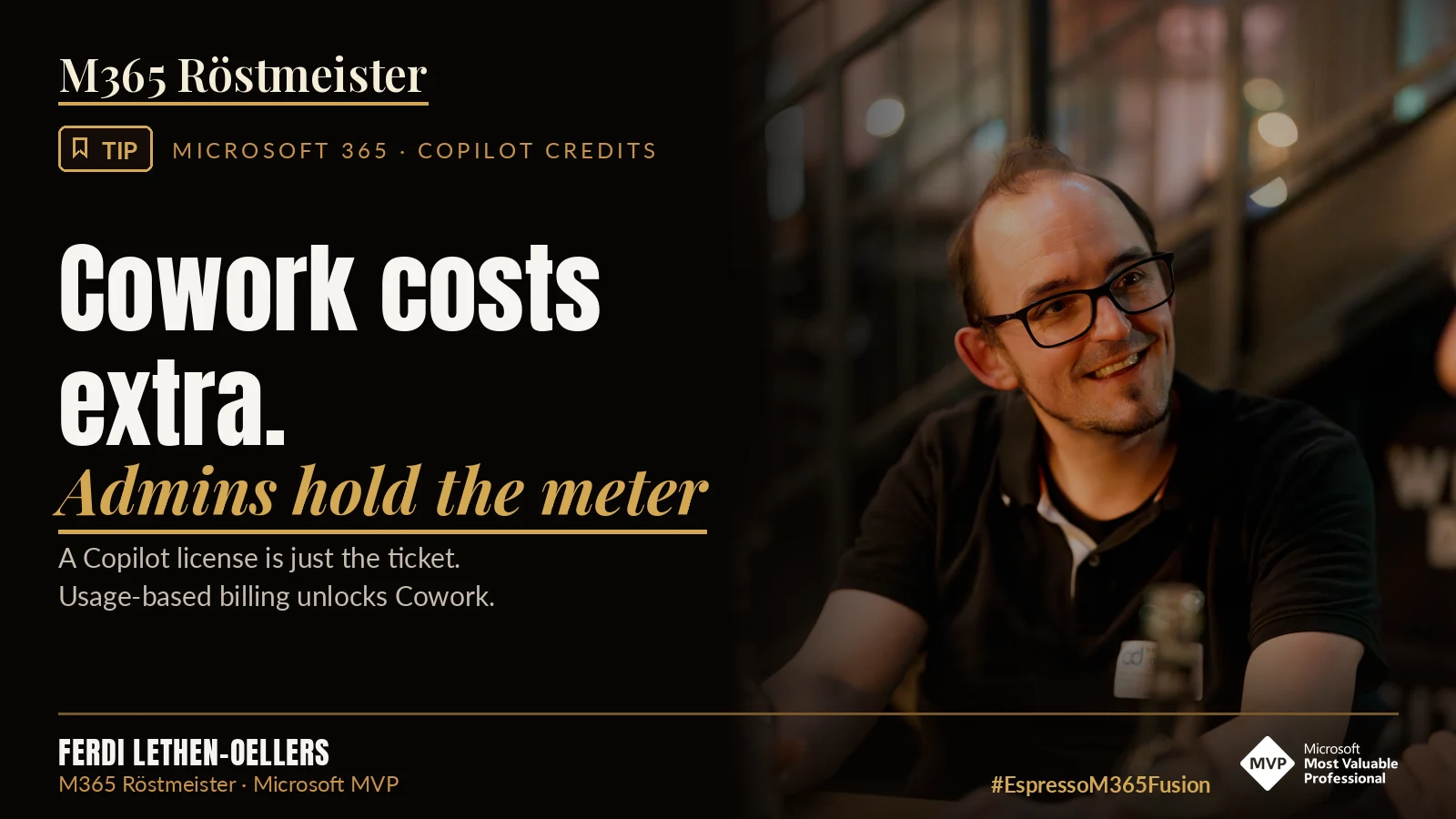
You’ve licensed Microsoft 365 Copilot, and still nobody in your tenant can use Cowork. That’s not a bug. Cowork stays locked until you, as an admin, have set up usage-based billing. At Microsoft, the license is now just the entry ticket. The actual work runs on a second meter.
What separates Chat, Cowork and Code for users is something I’ll explain tomorrow in a separate post. I described the overview for decision makers in Copilot now costs per task. Here we get down to the nitty gritty, meaning money, settings and the question of who is allowed to do what.
Two meters instead of one license
Since this year, Microsoft clearly separates two ways of billing.
- The user subscription license (USL). You know this one. Per user per month, fixed price, covering everyday Copilot, meaning chat with your work data, Copilot in Word, Excel, Outlook and Teams and the prebuilt agents.
- Usage-based billing (UBB). Billed in Copilot Credits. According to Microsoft, this covers Cowork, Code, Autopilot, new agentic features in SharePoint and work with newer frontier models, among others.
The important word is “and”. Anyone using Cowork or Code needs both. The license alone unlocks nothing, and neither do the credits alone.
What a task costs
On pay-as-you-go, one Copilot Credit costs one US cent. According to Microsoft, what a task consumes depends on the model, the context retrieved, the number of tool calls and the runtime. There is no fixed price per task.
For planning, Microsoft splits Cowork tasks into three tiers.
| Tier | Typical example | Credits according to Microsoft | Pay-as-you-go |
|---|---|---|---|
| Light | Weekly status update | 100 to 300 | 1 to 3 USD |
| Medium | Customer briefing with document, workbook and deck | 300 to 700 | 3 to 7 USD |
| Heavy | Six months of usage data turned into an analysis for leadership | over 700 | over 7 USD |
Microsoft has already adjusted these ranges once this year. Treat them as a ballpark, not a price list. For your own estimate, Microsoft offers the Customer Cowork Estimator.
Let’s do the maths. An employee who uses Cowork seriously easily gets through 20 light, 8 medium and 2 heavy tasks a month. At 200, 500 and 1,000 credits per task, that’s 4,000 plus 4,000 plus 2,000, so 10,000 credits. That’s 100 US dollars a month, on top of the license. With 50 people we’re talking about 5,000 US dollars a month that weren’t in any budget before.
I’m not trying to scare anyone. A heavy task that saves a controller two hours of work is a bargain at 10 dollars. It gets expensive when people use Cowork for things the chat can do just as well.
Setting up billing
Without these steps nobody can use Cowork. Everything happens in the Microsoft 365 Admin Center under Copilot.
The right roles
Only the Global Administrator and the Billing Administrator can set things up and add or choose the billing method. AI Administrator and License Administrator can later edit policies, limits, alerts and billing methods, but can’t create new policies. Microsoft recommends using the Global Administrator for emergencies only. So use the Billing Administrator.
Step by step
The path is Microsoft 365 Admin Center > Copilot > Cost Management.
- Select Get Started.
- Under Billing method, choose the billing method and the Azure subscription. If you don’t have one, the admin center can create one automatically if you’re a Global Administrator.
- Set an overall monthly limit for the default policy. “Don’t limit monthly spending” is an option. I wouldn’t pick it to start with.
- Set a per-user limit. Microsoft requires at least 2,000 credits per user per month.
- Under Define alerts, set recipients and thresholds for alert emails.
- Check Auto-apply new services. It’s on by default and automatically adds future paid Copilot services to your policy. Convenient, but you won’t notice when a new service starts consuming credits. I’d turn it off.
- Use Customize setup configuration to narrow the default policy to a pilot group. Without this step it applies to all users in the tenant.
- Select Activate.
In addition, under Microsoft 365 Admin Center > Copilot > Settings there is the setting “AI experiences enabled by usage-based billing”. It controls whether users see the paid features at all. If it’s on, all licensed users see Cowork and Code, even without a policy. They just can’t use them, and the next person is at your desk asking about it. If it’s off, the features stay hidden for everyone who isn’t in a policy. For a pilot phase, “off” is usually the more relaxed choice.
Prepaid or pay-as-you-go
You can bill purely by consumption through the Azure subscription, buy Prepaid Capacity Packs or take out a Pre-Purchase Plan (P3). According to Microsoft, consumption is drawn from Capacity Packs first, then P3, then pay-as-you-go. My advice. Start with pay-as-you-go, look at two or three months of real numbers and then pre-purchase. Prepaid capacity expires monthly, so if you buy too much, you pay for nothing.
What happens when the budget runs out
When a policy reaches its overall limit, Microsoft says users lose access to the affected agents and services until the first of the month. Users can request more credits, but they don’t automatically fall back to another policy.
Agent 365 Cost Management, which Microsoft presented at Ignite, promises a better overview. It shows AI spend by user, service, agent and model and lists Cowork as a usage-based service. Spending limits and alerts there are still in preview, though.
If someone is in several policies for the same service, the one with the highest per-user limit wins. If tied, the one with the highest overall limit, then the most recently created one. Settings aren’t combined. You should know that before you build separate policies for the pilot group, a business unit and leadership.
Models, data protection and 9 December
Now comes the part that really matters for tenants in the EU right now.
Anthropic is integrated as a Microsoft subprocessor. That means the Microsoft Product Terms and the Data Protection Addendum apply. Until now, though, processing for Claude models happened outside the EU Data Boundary, which is why they were off by default in EU, EFTA and UK tenants.
With MC1546438, Microsoft is changing that. In early December 2026, processing for Claude in Copilot moves into the EU Data Boundary. On 9 December 2026, Microsoft will switch Claude on for all EU and EFTA tenants that haven’t made their own selection by then. At the same time, the option to allow Claude only in Copilot in the Microsoft 365 apps goes away. According to Microsoft, existing selections for all users, no users or specific groups are kept.
What you should do now.
- Check in the admin center under the Copilot settings for AI providers what is configured for Anthropic.
- Clarify with data protection and the works council whether Claude is wanted in the tenant. Processing within the EU Data Boundary takes a lot of pressure off, but it doesn’t replace your own assessment.
- Make a deliberate selection, even if it’s “all users”. Then you decide, not the deadline.
A special case are the most powerful Claude models with data retention. With these preview models, the provider retains prompts and responses, and Anthropic’s terms apply. Claude Fable is off by default in Cowork and has to be enabled by an admin. Leave it that way until you’ve checked this.
Keeping Copilot Code under control
Code is in the Frontier program, and at Ignite Microsoft announced general availability for “the coming weeks”. It is also billed through Copilot Credits and needs a policy that includes Code. There are a few defaults you should know.
| Setting | Default | What it does |
|---|---|---|
| Execution location | Cloud only | Whether sessions run on the device, in the cloud or both |
| GitHub connection | Off | Whether users can connect a GitHub account |
| Organizational data in Code | On for cloud, off for local | Whether emails, Teams, documents and plugins serve as context |
| Auto-approve | On | Whether users can let Copilot approve permissions automatically |
| Sandbox required | On | Local sessions only run inside the sandbox |
You roll out the local sandbox rules through device policy, on Windows via the ADMX template copilotapp.admx under Microsoft Copilot > Code Tab. The sandbox needs Windows 11 24H2 or later. Windows 10 users end up in the cloud. If the sandbox can’t be set up, the work doesn’t start at all. Good.
And then there’s the question of where the result actually ends up. When I built my first small app with Copilot Code, it suddenly showed up as a vibe-coded app in Copilot Studio. I’d never have had to think about that in the Power Platform. As an admin, though, that’s exactly what you want to know. Where does the app live, who approved it, who is allowed to use it? More on governing these apps in Copilot Managed Runtime.
Honestly, I’d turn off auto-approve before the broad rollout. An agent that runs commands and gives itself permission doesn’t belong in the hands of people building their first app.
If you buy Copilot Business through a partner
Microsoft plans to switch on usage-based billing by default for new Copilot Business licenses from the CSP channel, with a default limit of 4,000 credits per user per month. With 100 users that’s up to 400,000 credits a month, around 4,000 US dollars. The date has already been postponed several times. Keep an eye on MC1476200 in the Message Center and clarify with your partner who receives the related Azure invoice.
My plan for admins
Don’t release Cowork and Code without having a strategy first. First user-based billing, then limits, then controlling. That’s how you gather your first experience, and only then do you think about how to expand it. Not the other way round. In practice, that means for me.
- Set the Anthropic setting deliberately before 9 December.
- Enable Cowork for a pilot group only, with an overall limit, a per-user limit and alert emails.
- Turn off Auto-apply new services, so new services don’t quietly start drawing credits.
- Look at the consumption data after one month and only then decide on prepaid and further groups.
- Teach people the rule of thumb. Chat to read, Cowork to hand things over. That saves more money than any limit.
My take as an MVP
I understand why Microsoft bills this way. An agent that churns through emails, files and meetings for ten minutes simply costs more than an answer in the chat. And with Cost Management, policies per group and alert emails, Microsoft provides tools that actually let you control costs.
What bothers me is the communication. A license for around 30 dollars that doesn’t unlock the most important new feature. Ranges per task that shift within a year. Defaults that automatically attach new services as paid ones. And a deadline in December when Claude simply switches on in EU tenants if nobody is looking. For an admin in a mid-sized company who also looks after Exchange, Intune and the printer on the second floor, that’s no walk in the park.
We can do really great things with Cowork and Code, in administration too. Controlling costs works quite well by now, and after every request I can see what it consumed. But that last bit is still missing. It’s all still in its infancy. And for admins it’s one of 20 topics on the table at the same time. If even we MVPs struggle to keep up, how is an admin in a mid-sized company supposed to manage it on the side?
☕ Espresso moment: The coffee machine is paid for. The beans aren’t. And if you fire up the bean-to-cup machine for every sip of water, don’t be surprised by the roaster’s bill at the end of the month.
Your takeaways
- Cowork and Code need a Copilot license plus Copilot Credits.
- On pay-as-you-go a credit costs one US cent, a Cowork task roughly 1 to over 7 US dollars.
- Set it up under Microsoft 365 Admin Center > Copilot > Cost Management, with a pilot group, limits and alerts.
- Auto-apply new services is on by default. Check it and turn it off if in doubt.
- When a policy’s budget runs out, Cowork is gone until the first of the month.
- On 9 December 2026, Claude switches on in EU tenants without their own selection (MC1546438).
How did you enable Cowork, for everyone or a pilot group first? Tell me on LinkedIn which limits you’ve set.
Share this note


Senior Modern Workplace Consultant at amexus, Microsoft MVP, author of “Microsoft 365 Administration für Dummies”.