R-02 Copilot & Agents
Projects in Microsoft 365 Copilot: Project, Workspace or Chat?
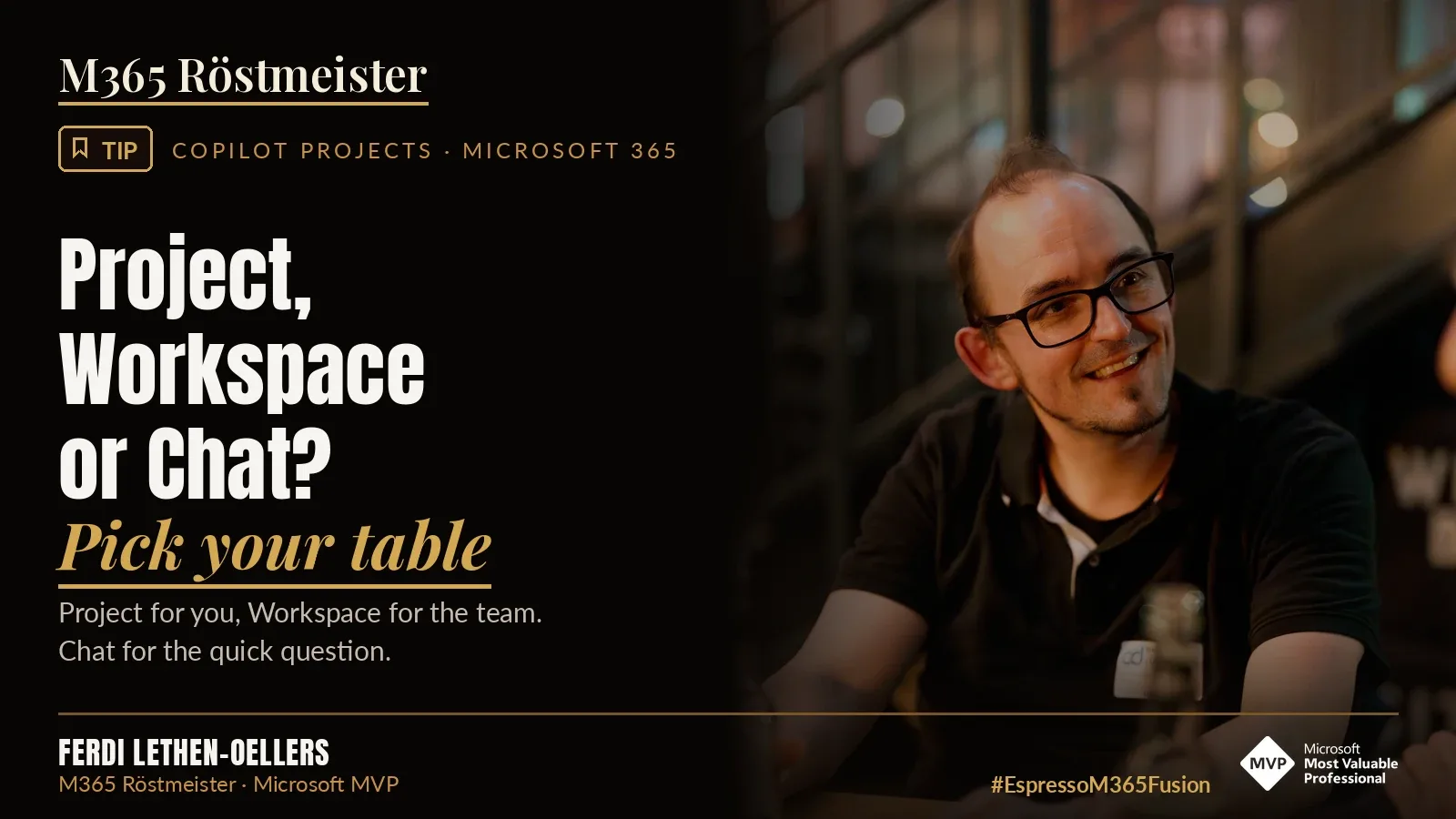
The Copilot app gets Projects: one place where chats, Cowork tasks, files and instructions come together as a working context. Microsoft describes it in Message Center post MC1519856. Cowork has had it since 20 October 2026, Copilot Chat is due to follow in November. At the same time, Notebooks become Workspaces. So you soon have three containers for working with Copilot, and your users will ask which one to pick. This article gives you the answer before the question lands at your help desk.
What a project is
A project is a folder for context, not a folder for files. You store instructions, reference files and earlier chats once. All chats and Cowork tasks in the project build on that. Copilot grounds its answers in the project context first and in your wider Microsoft 365 work context second (MC1519856).
It contains:
- Tasks and chats: You start them inside the project or move existing ones in. A chat belongs to exactly one project.
- Project context: Reference items and uploaded project files live here. A file you attach to a single chat is not automatically available to all tasks in the project.
- Outputs: The files that tasks create end up here.
- Instructions: They apply to all Cowork interactions in the project and beat the global instructions.
The source for these details is the Microsoft Learn page on Projects in Copilot Cowork.
Project, workspace or chat?
The rule of thumb is simple, even if Microsoft’s naming is not.
- Just a chat: One question, one answer, done. No context you will need tomorrow.
- Project: You work alone on something that runs for days. A launch, a recurring status report, a series of offers. You do not want to explain instructions and files again in every chat.
- Workspace: Several people need the same context. Notebooks become Workspaces in the navigation, a shared area for context, team members and working files (MC1535647). Existing notebooks are converted automatically, and the content stays.
In short: a project is for you, a workspace is for the team. Several community sources read the split between personal and team this way, for example Super Simple 365. Microsoft does not say it quite that clearly in the Message Center.
And the “shared history” of the new Home? That is not sharing with colleagues. It means a combined history of Chat and Cowork in one view. According to the Tech Community roundup, it sits in the left navigation next to Agents, Automations, Workspaces and Projects. That is navigation, not a permission model.
What is shared and what is not
Files, permissions, labels
Projects does not store content itself. Files stay in OneDrive and keep their permissions, sensitivity labels and retention policies. Word, Excel and PowerPoint files that Copilot creates are saved in the user’s OneDrive (MC1519856). So a project changes nothing about how the original files are shared.
This matches the Cowork FAQ: Cowork only accesses files and emails the user can already access. If your permissions are a mess, Projects does not shrink the mess. It just makes it visible faster.
Sharing
This is where it gets thin. The Learn page describes projects as private to their creator and names no way to share them with others. One blog quotes Microsoft with a route via the workspace: you bring files from the project into a workspace and share them there. Office Watch writes that this move is only planned for later. The sources contradict each other, and Microsoft says nothing about it in the Message Center. My advice: do not plan around it until you have seen it in your own tenant.
Rollout and licensing
- Cowork: The Cowork tab has been available worldwide since 20 October 2026, on Windows, Mac and web, in Tier 1 languages. Mobile is announced, without a date (MC1519856).
- Copilot Chat: In November, according to the Tech Community. MC1519856 is more precise: Projects across Chat and Cowork in the new Home run for Frontier first, starting late October 2026 and expected to complete by mid-November 2026. So the Chat side arrives first through the new Home in the Frontier program.
- New Home: Standard release from late October, deferred release until late November. Workspaces follow in standard release by January 2027 and in deferred release by February 2027, first for users with Notebooks access in the Frontier program (MC1535647, as of 11 November).
On licensing, MC1519856 only says: affected are users of Microsoft 365 Copilot (Premium) who use Cowork, plus Frontier participants. MC1535647 adds that access depends on the Copilot license and the usage-based billing setup. Whether Copilot Chat users without a license get Projects is not documented in any source. Do not ask Google, check your Message Center.
Limits and criticism
- No numbers: The Learn page gives no limit for count or size. It only mentions a maximum length for project instructions.
- Outputs stay: Files currently cannot be removed from the Outputs view.
- No guarantee: A file in a project does not mean every task can use it.
- Credits: Cowork bills by usage. To withdraw Cowork, remove users from all spending policies that include Cowork. A low credit limit blocks nothing (Cowork FAQ).
- EU Data Boundary and Claude: Cowork can use Anthropic models as a subprocessor. According to the Cowork FAQ, only GPT models are supported inside the EU Data Boundary. That is changing: according to MC1546438 (10 November 2026), processing for Claude models in Copilot moves into the EU Data Boundary in early December 2026, first for eligible tenants in the EU and EFTA. Until then, the EU Data Boundary commitment does not apply to Claude. On 9 December 2026, Microsoft enables Claude models in EU and EFTA tenants that have not made a selection. Other decisions are kept, with one exception: if you allowed Claude only in Copilot in Microsoft 365 apps, that option is retired on 9 December and your selection moves to all users. So you decide before 9 December: in the Microsoft 365 admin center under Copilot, Settings, View all, under AI providers operating as Microsoft subprocessors, entry Anthropic. You need the AI Administrator or Global Administrator role.
- Naming chaos: Workspaces already exist in Loop, Notebooks in OneNote. Microsoft could have named this more simply.
What you explain internally
One page is enough. Chat for quick questions. Project for your own work over several days. Workspace when others need to join in. Add two sentences: files stay in OneDrive with the rights and labels you know. And a project is not a sharing channel.
Action for you according to the Message Center: none to enable Projects. Check who is in a spending policy with Cowork and confirm the usage-based billing. Microsoft identified no compliance aspects in the Message Center and recommends your own review. That is not legal advice, just a reminder that the review is on your desk.
Projects is the personal working context, Workspaces is the team room, and the chat stays for the quick question. Files stay in OneDrive with the existing rights and labels. Sharing projects is an open point, so do not plan around it.
Espresso moment: A project is like your regular seat in the café: the beans are known, the barista knows your order. But it is your table. If you want to drink with the team, you need the table in the workspace.
Your takeaways
- Project for you alone, workspace for the team, chat for the quick question.
- Projects stores nothing. Files stay in OneDrive, with permissions, labels and retention as before.
- The shared history of the new Home is a combined history of Chat and Cowork, not sharing.
- Sharing projects is not documented. Test it in your own tenant.
- Copilot Chat without a license: open according to the sources. Check the Message Center.
- Check spending policy and credits, and make the Claude decision on the EU Data Boundary before 9 December 2026.
How do you explain the difference between project and workspace in your company? Tell me on LinkedIn.
Share this note

Senior Modern Workplace Consultant at amexus, Microsoft MVP, author of “Microsoft 365 Administration für Dummies”.