R-04 Entra & Security
Passkeys by default: Microsoft's SMS MFA ends on 1 February 2027
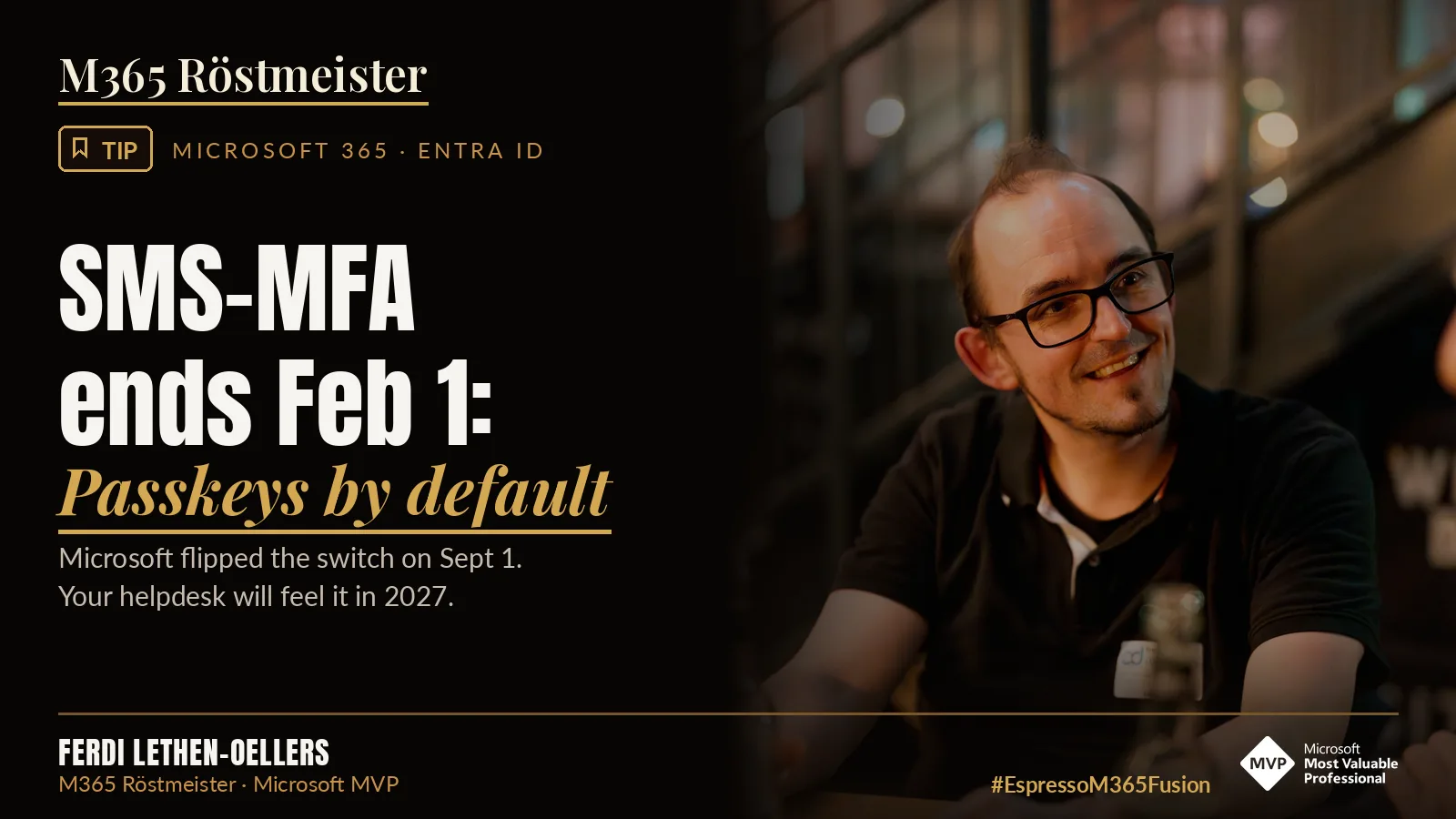
Since 1 September 2026, passkeys have been the default in Microsoft Entra. On 1 February 2027, the SMS and voice call that Microsoft itself provides for MFA come to an end. For Global Admins and external users, the date is 1 July 2027. If you still want SMS after that, you need your own telecom provider and you pay for it. If you do nothing, you risk sign-in problems from February, and exactly with the users who are hardest to move.
The basis is Message Center post MC1426371 “Passkeys by default and retirement of Microsoft-provided SMS and voice authentication”. Microsoft published it on 13 July 2026 and updated it on 15 September.
The dates
| Date | What happens |
|---|---|
| 1 September 2026 | Passkeys become the default. Users with SMS or voice as a method automatically get passkeys enabled, and the registration campaign switches to “Microsoft managed”. The rollout is gradual. |
| 18 September 2026 | The telecom providers in the Microsoft Security Store can be reviewed. |
| 30 October 2026 | A telecom provider can be selected and set up. |
| 1 February 2027 | Microsoft’s SMS and voice end for everyone except Global Admins and external users. Internal guests are included. |
| 1 July 2027 | The same for Global Admins and external users. |
Two details that are easy to miss:
- It is not only about MFA. According to Microsoft, the retirement applies across Entra, including self-service password reset (SSPR). If you reset your password via SMS today, you need a different way from February.
- PIM does not count. A Global Admin who is only eligible for the role in Privileged Identity Management and has not activated it is treated as a regular user on 1 February.
What happens after the deadline
Users whose only MFA method is SMS or voice then get a prompt to register a passkey. They can no longer skip it. Microsoft writes: “This prompt is blocking.” And: “There is no opt out from this February 1 behavior for users in scope of the February 1 retirement.”
Until then, users may skip the prompt, and by default as often as they like. That is convenient, but risky. Without intervention, many will push the registration to the deadline, and your helpdesk lives through the first week of February in real time.
💡 Tip
Switch the registration campaign from “Microsoft managed” to “Enabled”. Then you decide how often and for how long users may skip the prompt. With limited snoozes, it stops after three times.
The temporary opt-out
If you need more time, you can pause the automatic switch via Microsoft Graph. This requires the permission Policy.ReadWrite.AuthenticationMethod:
PATCH https://graph.microsoft.com/beta/policies/authenticationmethodspolicy
Content-Type: application/json

{
  "optOutSettings": {
    "passkeyDynamicMigration": true
  }
}
This takes your tenant out of the automatic passkey enablement and the campaign, but only until 1 February 2027. After that, migration and enforcement apply regardless of this setting. So the opt-out does not postpone the end of SMS. It only takes away the automatic help. Use it only if you want to steer the switch yourself, not to put it off.
Which passkey for whom
Passkeys are included in all Entra plans, including Entra ID Free. You do not need expensive hardware for everyone.
| Option | What it is | Fits |
|---|---|---|
| Passkey in Microsoft Authenticator | Device-bound, on the smartphone | Everyone with a company smartphone or accepted BYOD |
| Windows Hello for Business | Device-bound, tied to exactly one Windows PC | Fixed workplaces. Sign-ins from other devices need something in addition. |
| Synced passkey | In iCloud Keychain or Google Password Manager, across devices | Only as a conscious decision, see below |
| FIDO2 security key | Physical key | Admins, break glass accounts, employees without a smartphone |
⚠️ Attention: synced passkeys
Microsoft’s automatic profile allows all passkey types, including synced ones. This means a company passkey can end up in an employee’s private iCloud or Google account. Synced passkeys do not support attestation. If you do not want that, create your own passkey profiles and allow only device-bound passkeys there. Note: once you turn on passkey profiles, you cannot turn them off again.
The real sticking point: users without a smartphone
SMS was often the answer for everyone without a company smartphone: production, care, retail, temporary staff. Exactly this group is hit hardest by the switch. Three ways:
- FIDO2 keys: Phishing-resistant, but they cost money, logistics and replacement when lost.
- Hardware OATH tokens (TOTP): Remain allowed after 1 February. Users with TOTP do not get the blocking prompt. To be honest, though, this is not phishing-resistant and does not satisfy a Conditional Access rule that requires it.
- Your own telecom provider: SMS stays, but costs per message with the provider. On top comes hosting an Azure Function. The Security Store currently lists Soprano, Telesign and Infobip. Microsoft gives no prices, they depend on provider, region and usage.
Break glass accounts
Taking emergency accounts out of the registration campaign is not enough. That only stops the prompt, not the end of SMS. If you exclude them from the passkey policy itself, they cannot use a passkey at all. Break glass accounts are usually Global Admins, so their deadline is 1 July 2027. If an emergency account relies on SMS today, that is the wrong factor anyway. Give them FIDO2 keys, store them securely and document the access.
What Microsoft does well and what not
Good: Passkeys are phishing-resistant, SMS is not. Passkeys cost nothing extra. Microsoft provides a script for the inventory and templates for communication.
Not good:
- The schedule is tight. Tony Redmond already called it “too aggressive” in July, because many details were not finished.
- Guests cannot register passkeys today, but are affected on 1 February. Passkeys for B2B users and internal guests are “planned to be available by the end of calendar year 2026”. Planned is not a promise.
- The default profile allows synced passkeys. Convenience beats control here.
- If you have to keep SMS, you get no prices, only a pointer to the store.
What stays
Moving away from SMS is right, and passkeys are the better factor. The technology is the smaller problem. The work lies in the inventory, the users without a smartphone, SSPR and communication. And that has to be in place by early January if you take Microsoft’s recommendation of a four-week buffer seriously.
☕ Espresso Moment: The deadline comes either way. The only question is whether your people have a passkey by then or your helpdesk lives through it on 1 February.
Your takeaways
- Microsoft’s SMS and voice end on 1 February 2027, for Global Admins and external users on 1 July 2027. PIM-eligible admins count towards February.
- MFA and SSPR are affected.
- Take inventory with Microsoft’s script entra-sms-voice-usage-analyzer.
- Set the campaign to “Enabled” and limit snoozes.
- Define passkey profiles consciously, allow synced passkeys only by decision.
- Plan FIDO2 keys, TOTP tokens or a telecom provider for users without a smartphone.
- Move break glass accounts to FIDO2 keys.
- Check Conditional Access authentication strengths for SMS.
- Be done by early January 2027.
Message Center post: MC1426371
How many SMS users did your inventory find? Tell me on LinkedIn.
Share this note

Senior Modern Workplace Consultant at amexus, Microsoft MVP, author of “Microsoft 365 Administration für Dummies”.